Course completion report
Generate the PDF list of students who passed the exam — the document you submit to a certifying body (e.g. TÜV). Also known as the ewidencja / TÜV list.
When to use
At the end of a reporting period (typically a calendar month) when you need to hand a certifying body the list of who completed and passed.
Where
- Sidebar: Courses → Generate report (also from a course's or edition's header)
- URL:
/partner/courses/report - Roles: Owner / Admin / Manager.
Step-by-step
- Open "Generate report". The page is titled "Course Completion Report" with the subtitle explaining it's
the list of students who passed the exam.
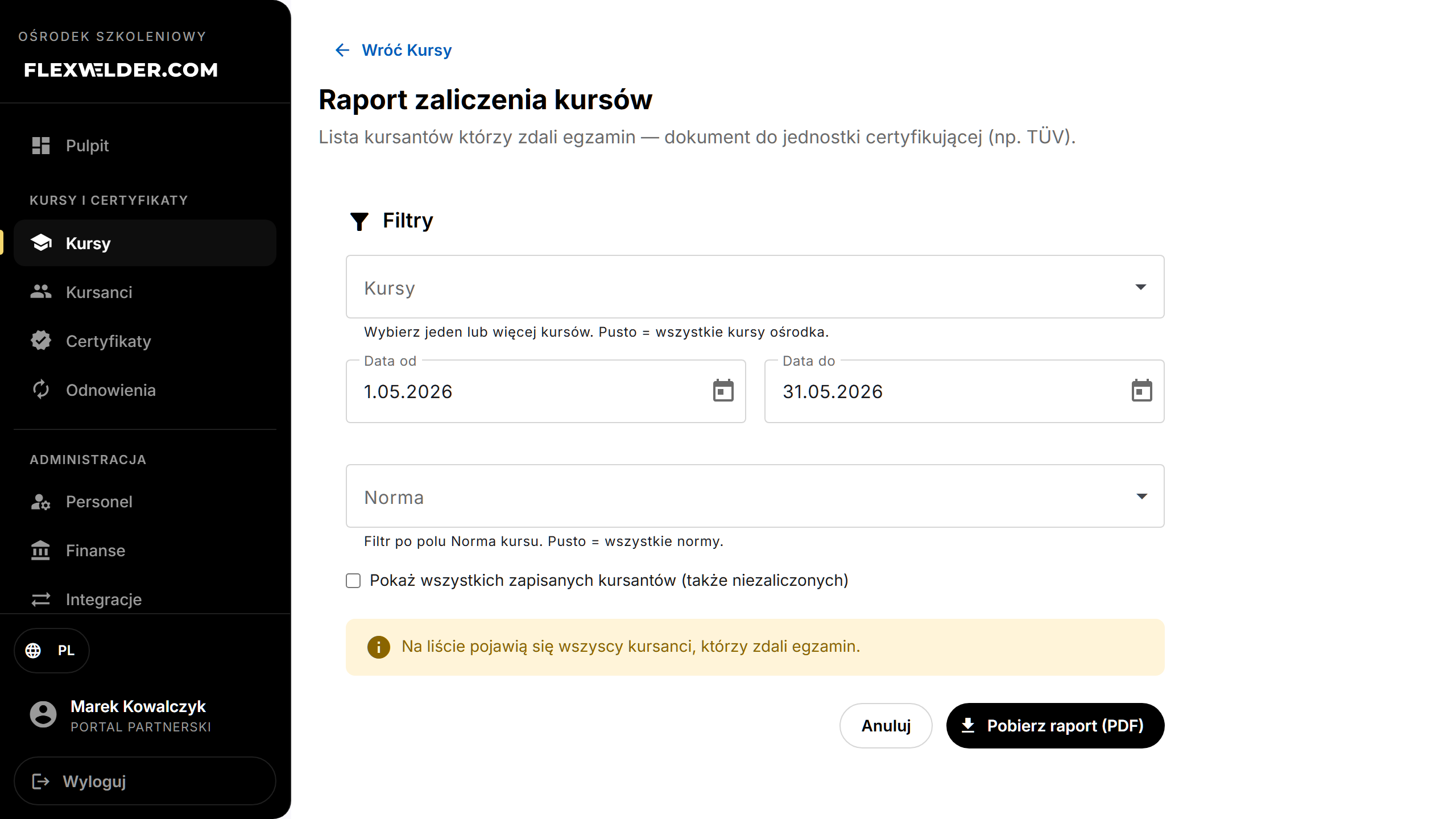
- Set the Filters:
- "Courses" — pick one or more (empty = all courses).
- "Cohorts" — appears once courses are chosen; narrow to specific editions (empty = all).
- "From" / "To" — the date window (defaults to the previous calendar month).
- "Standard" — optional autocomplete; filters on the course standard (empty = all).
- Optionally tick "Show all enrolled students (including those who haven't passed)" to include non-passers.
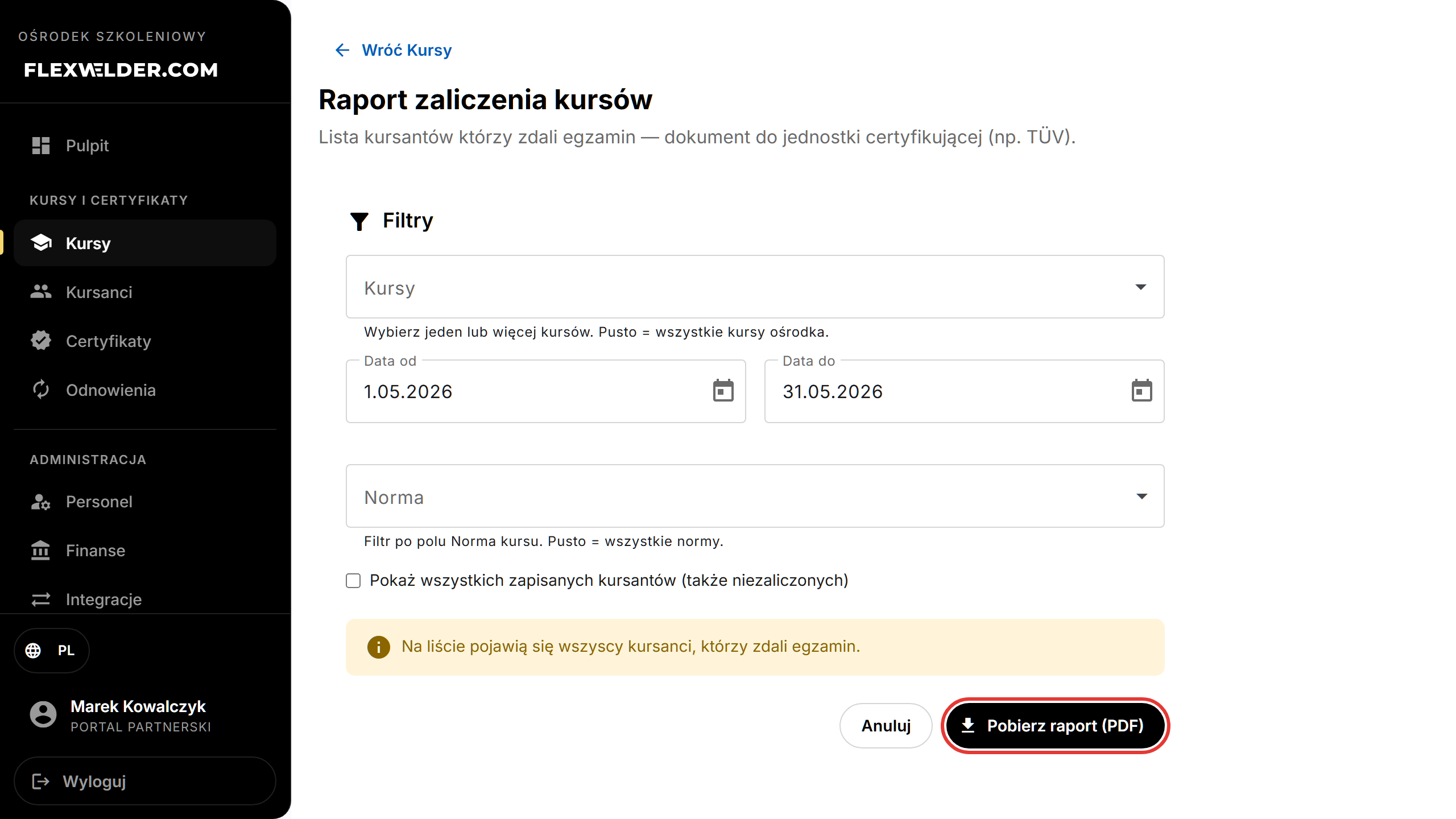
- Click "Download PDF".
Fields & validation
| Field | Notes |
|---|---|
| Courses | Multi-select; empty = all courses in the center. |
| Cohorts | Multi-select of the selected courses' editions. |
| From / To | Date range; From must be earlier than To. |
| Standard | Autocomplete; type a custom value or clear to include all. |
| Show all enrolled | Off by default — only exam-passers are listed unless ticked. |
What happens / outcome
A PDF named Raport_zaliczenia_<date>.pdf downloads (in the current UI language). Toast: "Report downloaded". By
default the list contains every student who passed the exam in the window.
Edge cases & errors
- From after To: "The 'from' date must be earlier than the 'to' date." — fix the dates and retry.
- Generation failure: "Failed to generate the report" — retry; check that courses/editions exist in the window.
- Opening the report from a course or edition pre-fills the course (and the edition's dates).
Related flows
FAQ
- Why is the list empty? No exam-passers in the date window, or your filters exclude them. Try widening the dates or ticking "Show all enrolled students".
- What date range should I use? The default is last month — the usual cert-body reporting window.