Calendar
A month/week schedule of your course editions. (The menu item is hidden by default; the page is reachable at its URL.)
When to use
To see, at a glance, which editions run when — and jump to an edition's detail.
Where
- URL:
/partner/calendar(hidden from the sidebar by configuration) - Roles: Owner / Admin / Manager.
Step-by-step
- Go to
/partner/calendar— "Course Calendar" ("Schedule overview"). - Switch between "Month" and "Week" views; use "Today", "Previous", "Next" to navigate.
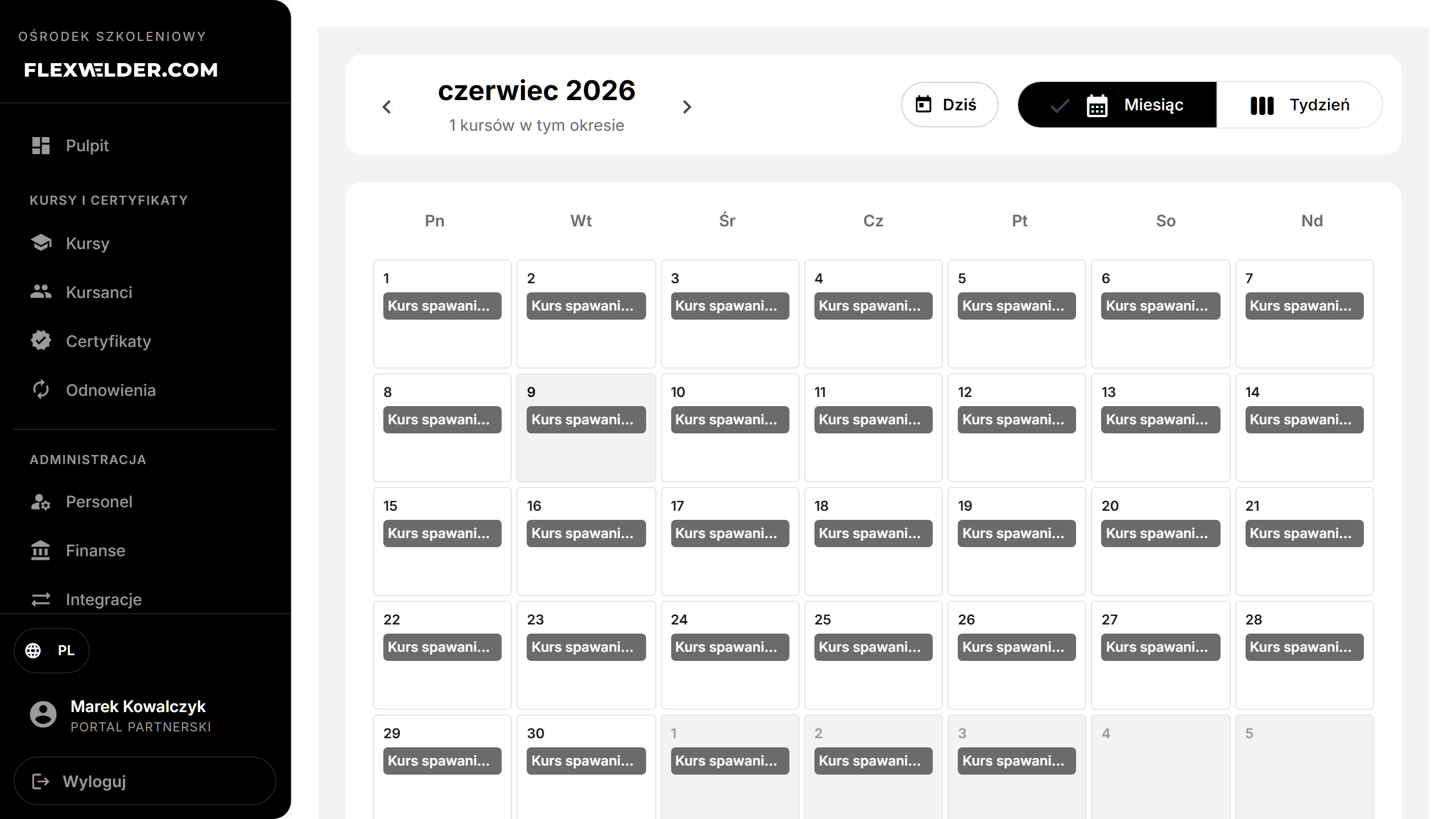
- Each scheduled edition appears on its dates with location, instructor and enrolled count; click "View Details" to open the edition.
Fields & validation
Read-only view. Editions appear based on their start/end dates.
What happens / outcome
Selecting an edition opens its detail. The header shows how many courses fall in the current period.
Edge cases & errors
- No courses scheduled in the period: "No courses scheduled".
- Load failure: "Failed to load courses. Please try again."
- Editions with no dates won't appear on the calendar.
Related flows
FAQ
- Why is the Calendar not in my menu? It's hidden by configuration; open it via its URL.
- An edition is missing. It probably has no start/end dates set.